
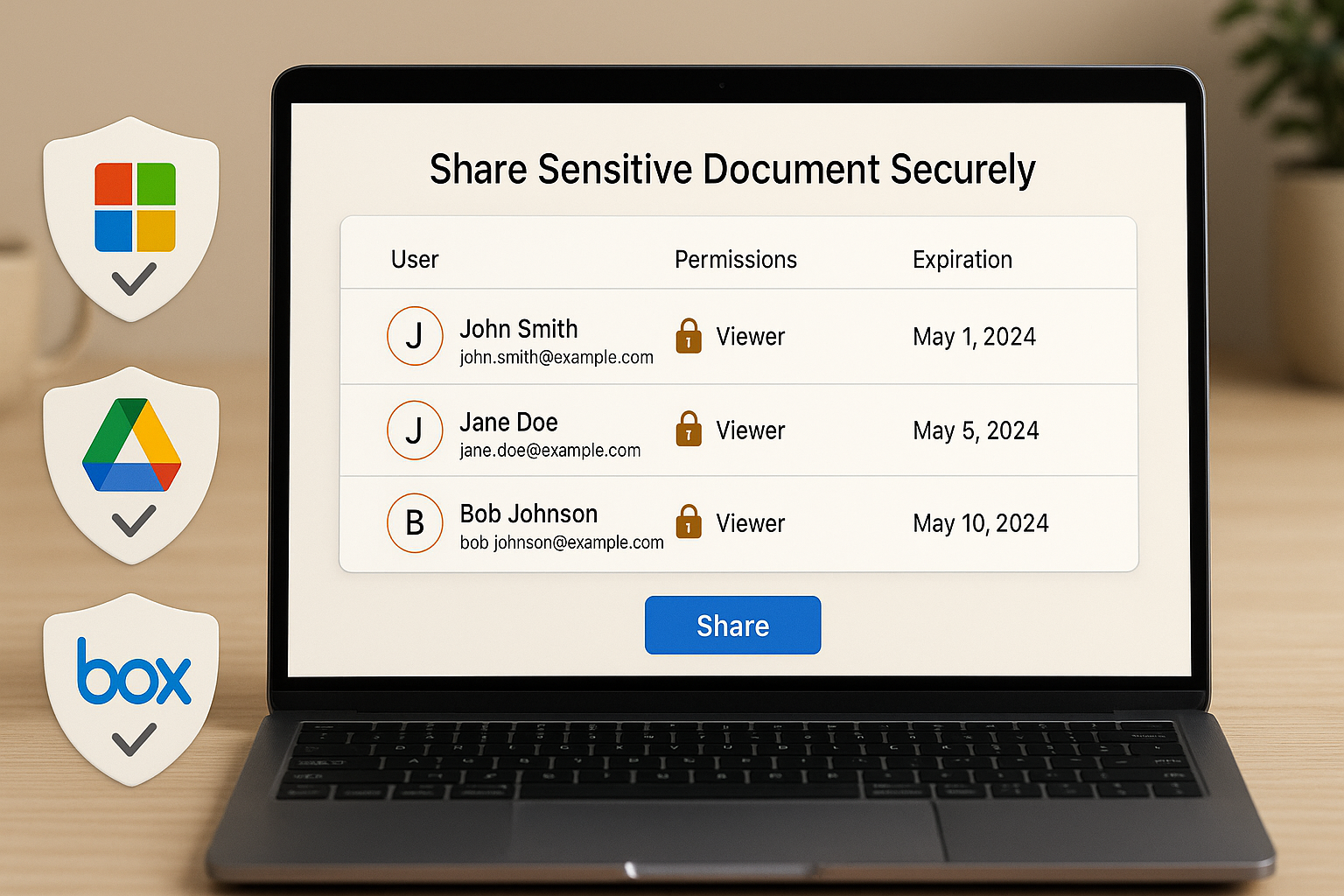
Sometimes you cannot justify a VDR subscription yet. Or you need to share files securely before procurement and legal finish vendor onboarding. That does not mean falling back to email attachments and hoping for the best.
This guide explains how to share sensitive documents securely without a dedicated virtual data room, using tools your team likely already has — Microsoft 365, Google Workspace, Box, or Dropbox — combined with process controls that actually hold up under scrutiny. You’ll also learn the specific risk triggers that indicate it’s time to move to a purpose-built VDR.
The cost of getting this wrong
Temporary sharing workflows have real consequences when they fail. The IBM Cost of a Data Breach Report 2025 puts the global average breach cost at $4.4M — and that figure excludes the reputational and deal-value impact of a confidentiality failure during an M&A or fundraising process. Even “just for now” sharing deserves controlled, documented process.
The Verizon 2026 DBIR also reports that the human element remains a dominant factor in security incidents — which means that loose sharing habits, not just technical vulnerabilities, create meaningful risk.
Option 1: Microsoft 365 (SharePoint and OneDrive) with strong governance
If your organisation runs Microsoft 365, SharePoint is the most capable interim sharing option — when configured correctly. The defaults are often too permissive.
Required controls:
- Enforce MFA for all internal accounts and require it for external guests wherever available
- Disable anonymous links: use named, specific-person sharing only — never “anyone with the link”
- Restrict external sharing at the tenant level; enable only at the specific SharePoint site level
- Apply sensitivity labels (Microsoft Purview) to mark and protect confidential files
- Enable view-only sharing for sensitive documents where download restriction is available
- Review external access weekly and remove guests immediately when the project or engagement ends
Limitation to know: SharePoint’s download prevention is inconsistent across browsers and devices. For documents that must not be downloaded under any circumstances, a VDR with enforced view-only is more reliable.
Option 2: Google Workspace (Drive) with enforced permissions
Google Drive can be secure if you enforce the right settings. The platform’s defaults encourage broad access.
Required controls:
- Share with specific people only — never “anyone with the link,” even set to “restricted”
- Use expiration dates for external access; remove the need to remember to revoke manually
- Disable “editors can change access and add people” on every shared folder
- Log every external share in a simple tracker: who received access, which folder, and when
- Conduct a weekly access review — remove any access that was not explicitly renewed
Limitation to know: Google Drive does not produce exportable audit logs in a format that works for legal counsel or external compliance review. If you need auditable access history, plan for this gap.
Option 3: Box or Dropbox Business for external collaboration
Box and Dropbox Business can provide stronger controls than consumer-grade tools, especially when combined with SSO and device policies. Box in particular has enterprise governance features — watermarking, legal holds, and granular access controls — that can bridge the gap for mid-sensitivity use cases.
What they still lack for high-stakes processes: native Q&A workflows, bidder group segmentation, and audit log formats designed for M&A counsel. These gaps matter when the process becomes formal.
Process controls that apply regardless of tool
Tools fail when process is informal. These habits are non-negotiable regardless of which platform you use:
- Classification: label what is confidential, restricted, and public before sharing anything
- Least privilege: share access only to the specific folders needed — not the parent directory
- Redaction first: remove unnecessary PII, pricing, and counterparty-identifying information before sharing drafts
- Version discipline: maintain one authoritative current version; archive old versions separately
- Documented exit process: at the end of any project, revoke all external access and confirm removal in writing
Secure sharing checklist (copy for your team)
Use this before every external share:
 Named-user access only — no anonymous or “anyone with link” settings
- MFA enabled for all internal accounts
- Expiry date set on external access (maximum 30 days; renew actively)
- Download/print restriction applied where available
- Audit logging enabled and confirmed
- Redaction and watermarking applied to sensitive materials
- Exit process documented: who removes access, and by when
When “no VDR” becomes the riskier choice
Manual controls cost more than a VDR when the process scales. Switch to a dedicated VDR when:
- You have three or more external parties who need access simultaneously (investors, bidders, counsel, advisors)
- You need formal audit reporting that counsel can reference or that satisfies a regulatory requirement
- You need structured Q&A with a traceable record of questions, answers, and approvals
- Sensitive documents are being accessed from multiple countries or time zones
- A data breach or access control failure would have material deal, legal, or reputational consequences
If you are approaching this threshold, start with what is a virtual data room to confirm the use case, then build a shortlist using Compare Providers.
FAQ
Password protection adds a barrier but does not solve the fundamental problems: uncontrolled copies once the password is shared, no audit trail, no revocation, and no version control at the recipient end. Use it as a supplement to named-user access controls, not a substitute.
Yes, where practical. Adobe Acrobat can apply static watermarks before sharing. Microsoft Purview provides some watermarking and labelling functionality. These are not as strong as a VDR’s dynamic watermarking (which stamps each recipient’s identity), but they are meaningfully better than sharing unmarked documents.
Named-user access only, MFA enabled, view-only where available, expiry date set, and access logged. If the recipient insists on an editable copy, provide a redacted version with the most sensitive inputs removed.
Not sure if you need a VDR yet? Use the five-question test in what is a virtual data room to decide, then compare options with Compare Providers.