
Sharing confidential documents should not feel like a risk management exercise in itself. Yet most teams still rely on email threads, unmanaged sharing links, and informal approvals — then hope nothing sensitive leaks or gets forwarded to the wrong party.
This guide answers the foundational question — what is a virtual data room? — and explains how VDR software differs from standard cloud storage, when the investment is justified, which features matter most, and how to take your first step toward a more controlled sharing setup.
What is a virtual data room?
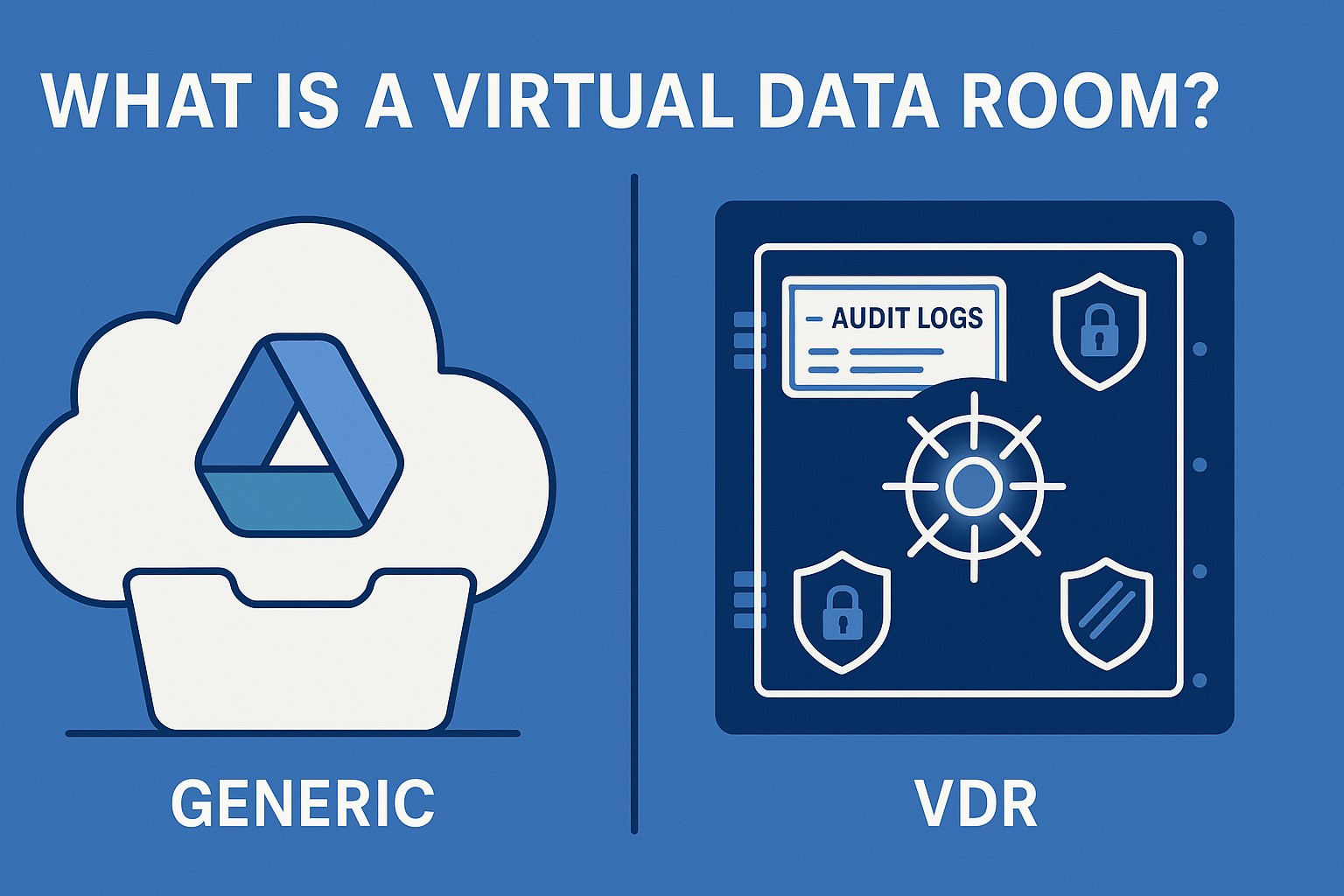
A virtual data room (VDR) is a secure, purpose-built online environment for storing and sharing sensitive documents with externally controlled access. Unlike generic file-sharing tools, a VDR is designed specifically for high-stakes processes where multiple parties need structured, time-limited, auditable access to confidential information.
Core capabilities that distinguish a VDR:
- Granular permissions by user, group, folder, and individual document
- Audit trails that record every access event with user identity, timestamp, and IP address
- Watermarking, view-only modes, and download and print restrictions
- Q&A workflows for structured buyer or investor questions in diligence processes
- Administrative governance: user revocation, retention policies, reporting, and bulk access controls
Why businesses use VDR software: the operational case
Security risk is part of the story. The IBM Cost of a Data Breach Report 2025 puts the global average breach cost at $4.4M — and the Verizon 2026 DBIR reports that 48% of all breaches now involve ransomware. A VDR reduces exposure through least-privilege access, audit trails, and revocation capability.
But the operational case is equally compelling. Messy document sharing creates real costs: duplicated work, inconsistent versions, repeated investor questions, and slower decisions. A VDR eliminates the administrative overhead of tracking who has what version and whether the right people have access.
VDR software vs. cloud storage: what’s the actual difference?
Google Drive, Dropbox, Box, and Microsoft OneDrive are excellent for day-to-day internal collaboration. They are not optimised for controlled, time-bound, multi-party external disclosure. Here is how the comparison breaks down for high-stakes use cases:
| Capability | Cloud storage (Drive, SharePoint, etc.) | Virtual data room |
|---|---|---|
| Bidder or investor access segmentation | Possible but manual; inconsistent | Built-in groups and roles |
| Audit reports suitable for legal counsel | Limited or scattered | Exportable, deal-ready logs |
| View-only access (prevent downloads) | Inconsistent across devices and tools | Standard VDR capability |
| Structured M&A Q&A workflow | Not native | Integrated, with routing and approval |
| Dynamic watermarking | Requires third-party tools | Common built-in feature |
| Legal hold and retention management | Not native | Available in enterprise VDRs |
The gap is not security in the abstract — it is the specific controls that high-stakes disclosure requires and that generic cloud tools do not provide by default.
Do you need a virtual data room? Five questions to ask
If you answer yes to two or more of the following, a VDR is almost certainly the right tool:
- Will you share confidential files with external parties — investors, buyers, counsel, or auditors?
- Do you need to prove who accessed what document and when, in a format your counsel can use?
- Are you sharing PII, financial models, customer contracts, or intellectual property?
- Do you need to prevent downloading, printing, or forwarding of specific documents?
- Is this a time-bound process (fundraising round, M&A diligence, audit) with multiple stakeholders?
Key VDR features to prioritise by use case
Security controls (relevant for all use cases)
- MFA and SSO integration (Microsoft Entra ID, Okta)
- Dynamic watermarks that carry recipient identity
- Document expiry and automatic access revocation
- Full audit log export in a format usable by counsel
Operational workflow (most important for M&A and fundraising)
- Fast bulk upload, indexing, and full-text search
- Q&A routing, approvals, and controlled publication
- Engagement analytics: which parties are most active, which documents generate questions
- Version control and update notifications
Governance (most important for regulated industries and compliance use cases)
- Retention policies and legal hold capability
- Data residency options and subprocessor documentation
- Export formats for regulatory reporting
Common VDR use cases
M&A transactions: buyer diligence, bidder segmentation, controlled document disclosure, and Q&A management. A VDR reduces the risk of inconsistent answers and uncontrolled copies.
Startup fundraising: investor data room for Series A and beyond. Staged access, version-controlled metrics, and audit trails that show investor engagement.
Audit and compliance reviews: structured evidence collection with retention and access logging that satisfies regulatory requirements.
Partnerships and commercial negotiations: sharing sensitive commercial terms, pricing data, or technical documentation under NDA with controlled access.
Where to go next
If you are building an investor-ready data room, follow the folder structure in how to structure a Series A data room. If you are comparing tools, start with Compare Providers to build a requirements-based shortlist. If you are not ready for a VDR yet, see how to share sensitive documents securely without a VDR.
FAQ
No. Startups and mid-market businesses use VDRs as soon as external diligence begins or when sensitive disclosure needs tight control. Many modern VDRs are designed and priced for growth-stage companies.
Not usually. Many VDRs integrate with DocuSign or Adobe Acrobat Sign for the signing event, but they serve different purposes. A VDR manages the document access and disclosure process; DocuSign handles the signature itself.
Most purpose-built VDRs can be configured and loaded within 24 to 48 hours for a straightforward use case. More complex setups — multi-bidder auctions with custom Q&A workflows — may take a week with proper testing.
Ready to choose? Build your shortlist using Compare Providers or start with a curated view of the best virtual data rooms for M&A in 2026.